Restaurant front-to-back operations
Run Your Restaurant From Front Door to Back Office
Connect POS, KDS, menus, tables, reservations, inventory, recipes, vendors, purchasing, employees, cash management, CRM, online orders, and reports.
Already using Restaurant Management? Restaurant Login
Orders
Tables
Inventory
Sales
Product capability
Built for real workflows, not generic screens.
Product preview
Front-of-house speed connected to back-office control.
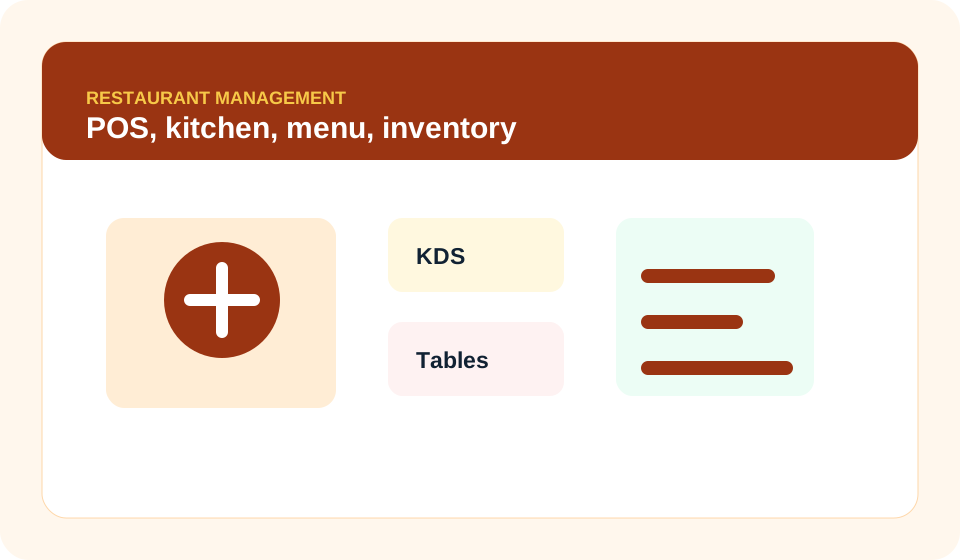
The restaurant page showcases POS, kitchen queues, menus, modifiers, table service, reservations, recipes, stock, vendors, cash close, and sales reporting.
POS orders
Kitchen display
Menu builder
Tables
Inventory
Cash close
Why it matters
Help restaurants move faster during service while keeping managers connected to cost, labor, and inventory.
The product launches through Kingdom Suite provisioning, uses intentional product login routes, and remains isolated from every other operational system.
Speed up service
Control food cost
Track sales and cash
Coordinate front and back of house
Workflow
A practical operating path from setup to reporting.
- Create locationsRestaurant Management System keeps this work scoped to the correct organization and product.
- Build menuRestaurant Management System keeps this work scoped to the correct organization and product.
- Open registerRestaurant Management System keeps this work scoped to the correct organization and product.
- Take ordersRestaurant Management System keeps this work scoped to the correct organization and product.
- Route kitchen workRestaurant Management System keeps this work scoped to the correct organization and product.
- Close and reportRestaurant Management System keeps this work scoped to the correct organization and product.
Best fit
Designed for the way this system is actually used.
Restaurants
Cafes
Multi-location dining groups
Video preview
See Restaurant Management in action.
Take a quick visual tour of the workspace, core capabilities, and the workflow your team can use before creating an organization.
POS orders
Kitchen display
Menu builder
Tables
Enterprise readiness
Security, roles, and product boundaries are part of the launch.
Every product landing page routes users to the correct system login and registration service. Operational data remains inside that product's tenant-scoped workflows.
Owner
Manager
Cashier
Kitchen
Tenant isolation
Audit readiness
Subscription integration
Ready to launch Restaurant Management System?
Register a new organization for this product or sign in to an existing product workspace.